Product
Features Solutions Integrations Free Tools Compare Pricing
Company
Blog About Affiliate Help Center Contact
Log in Start free
Home / Integrations / WhatsApp
Integration

WhatsApp + AI Customer Service

Guide visitors to WhatsApp for human chat, with AI answering first.

Start free — 100 chats See pricing
In short

DeskClerk AI on WhatsApp means adding the AI assistant to your WhatsApp site with one script tag or code block. There is no plugin to install and no theme edit; the assistant answers from the content you add, shows its source and hands off to your team.

  • One script tag or code block
  • No plugin or theme edit
  • Answers from your own content
  • Works with your existing design
  • Live in about 10 minutes
SETUP

Add it to WhatsApp in minutes

The assistant answers on your website first. When a conversation needs a person, it can point the visitor to WhatsApp or notify your team there. WhatsApp itself is not a native chat channel in the current product.

Copy the snippet

Take the embed code from your workspace; it contains the site key.

Paste it into WhatsApp

Paste it before the closing body tag of your WhatsApp site.

Check the widget

Open the site in a private window, ask a question and confirm the source appears.

WhatsApp is used for handoff and notifications — the assistant runs on your website.

Capabilities

What it does, in detail

Answers from your site's content

The assistant uses the knowledge base for that site, not a generic model.

Matches your design

Position, colours, logo and copy are configurable per site.

Captures the enquiry

Contact details are collected inside the chat when intent appears.

Hands off to a person

Complex questions reach your team with the conversation attached.

No plugin maintenance

A script tag survives theme updates and builder changes.

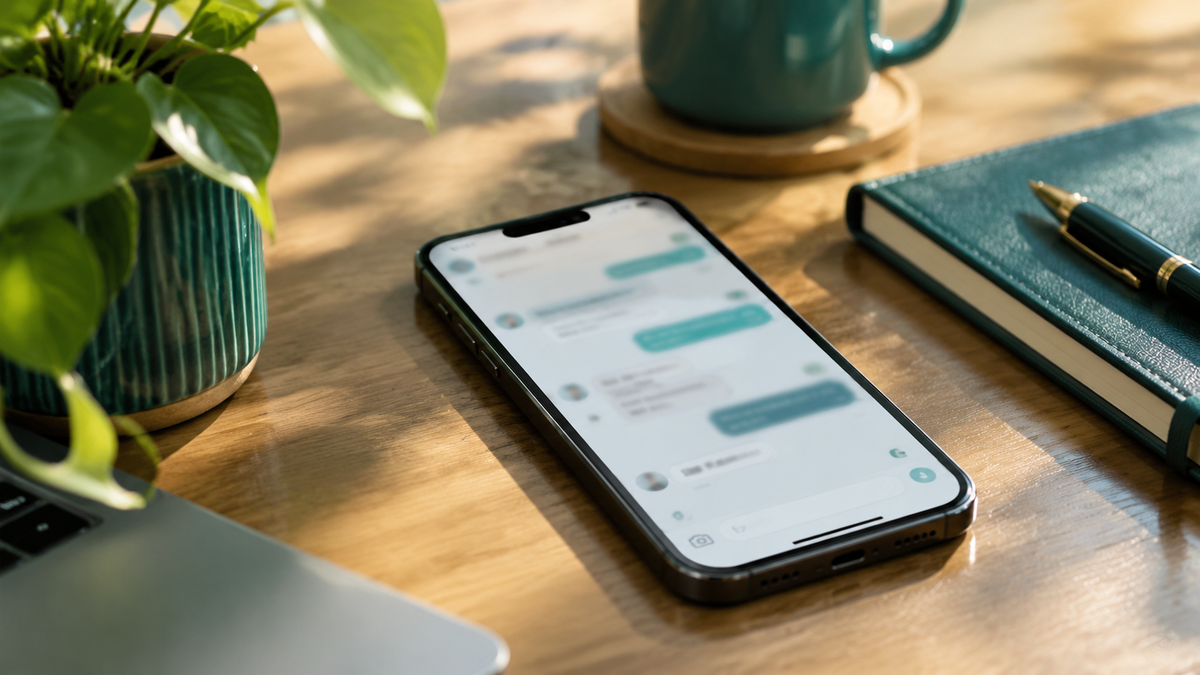
A smartphone on a desk with a softly blurred messaging screen

The widget on a WhatsApp site looks like part of the WhatsApp site.

No plugin

One script tag, and nothing to maintain

Plugins break when a theme updates. A script tag does not. You can remove it in seconds and it works the same across builders.

  • No plugin installation
  • No theme edits
  • Survives builder updates
  • Remove by deleting one line
Stacked folders and documents on a desk
Comparison

Plugin versus script tag

CapabilityDeskClerk AIA plugin
InstallationOne script tagPlugin + settings
Survives theme updatesYesOften breaks
Works outside the builderYesNo
Remove cleanlyDelete one lineUninstall
By the numbers

What you get on day one

Limits stated up front.

11
file formats
50
MB per file
10
minutes to set up
100
free chats
Before you paste

A five-minute checklist

A monitor showing a softly blurred dashboard
After launch

See what visitors ask on this platform

Conversation volume, top questions and gaps are reported per site, so you know which page to write next.

  • Top questions
  • Knowledge gaps
  • Lead sources
  • Weekly digest
Fit

Who it is for

Store owners

Answer product and policy questions without extra staff.

Agencies

Ship the same assistant on every WhatsApp site you build.

B2B teams

Qualify enquiries outside office hours.

Multi-site owners

One workspace, a different knowledge base per site.

FAQ

Frequently asked questions

Yes. The widget is a single script tag, independent of the theme.
The script is loaded with defer and has a small footprint; it does not block page rendering.
Yes — position, colours, logo, radius and greeting text are configurable.
Paste it before the closing body tag of your WhatsApp site.
No. The widget is one script tag or code block; there is no WhatsApp plugin to install.
Yes, binding a customer-owned domain is included on every plan.
Yes; if you use a caching layer, purge it after adding the snippet so returning visitors get the new page.
Yes, the snippet can be limited to the pages you choose.
No. You paste one script tag before the closing body tag of your site, or use a code block in your builder. Most sites are live in about 10 minutes.
PDF, DOCX, RTF, XLSX, XLS, CSV, PPTX, PPT, TXT, MD, HTML, JSON and XML — 11 format processors. Up to 50 MB per file and up to 200 pages per PDF. Scanned images are not supported.
It answers in the visitor's language, using your content. Interface text is available in English, Chinese, German and Arabic today; more interface languages are planned.
One visitor message or one assistant reply is one message. One question plus one answer is two messages, so plans are quoted in complete answers — 1,250 answers per month on Basic is 2,500 messages.
It says so, records the question as a knowledge gap, and can hand the conversation to your team. Handoff asks the visitor for contact details first.
Related

Keep reading

Put an assistant on your website today

Start with 100 free chats. No credit card to begin, live in about 10 minutes.

Start free Talk to us first